If you're hunting for the best AI meeting assistant 2026 has produced, the first thing to decide isn't which tool; it's whether you want a bot joining your call at all. I tested Krisp, Wave, and Mina back to back, and the cleanest dividing line between them turned out to be exactly that. Two of them stay invisible. One of them shows up as a participant on screen. That single difference sorts almost everyone.
This isn't a feature-grid rewrite. It's what actually happened when I pointed all three at real calls (noisy ones, in-person ones, and a live team standup) to see which one quietly saved time and which one asked for trust I wasn't ready to give yet. Krisp and Wave both earn their spots. Mina is the most interesting and the least settled of the three.
How I tested each tool
Why AI meeting assistants matter in 2026
Meetings didn't get shorter in 2026; the admin around them got automated. The category split into two camps, and the split is the whole story. On one side are tools that capture and summarize without anyone noticing: clean your audio, transcribe it, hand you notes. On the other are tools that join the call as a participant and try to do the work live.
Here's what nobody tells you up front: most people viscerally dislike a bot appearing in their meeting. A named "Otter.ai" or "Fireflies Notetaker" tile on the call changes the room. People clam up, ask who's recording, and the conversation gets stiffer. The tools that win on day-to-day comfort are the ones that stay invisible. That's exactly why Krisp (an audio layer that never announces itself) and Wave (a recorder that just listens to your mic) feel so different from a bot-based notetaker, and it's the single biggest reason to pick one over another.
There's a second axis worth naming: voice. The same year that meeting AI matured, voice dictation got good enough that some people skip typing entirely; my Wispr Flow review covers that side of the voice-AI wave. And once you've got clean meeting notes, the next step is usually turning them into something shareable; if that's a deck, my best AI presentation tools roundup covers the meeting-output half of the workflow.
Krisp deep dive: clean audio first, notes as a bonus
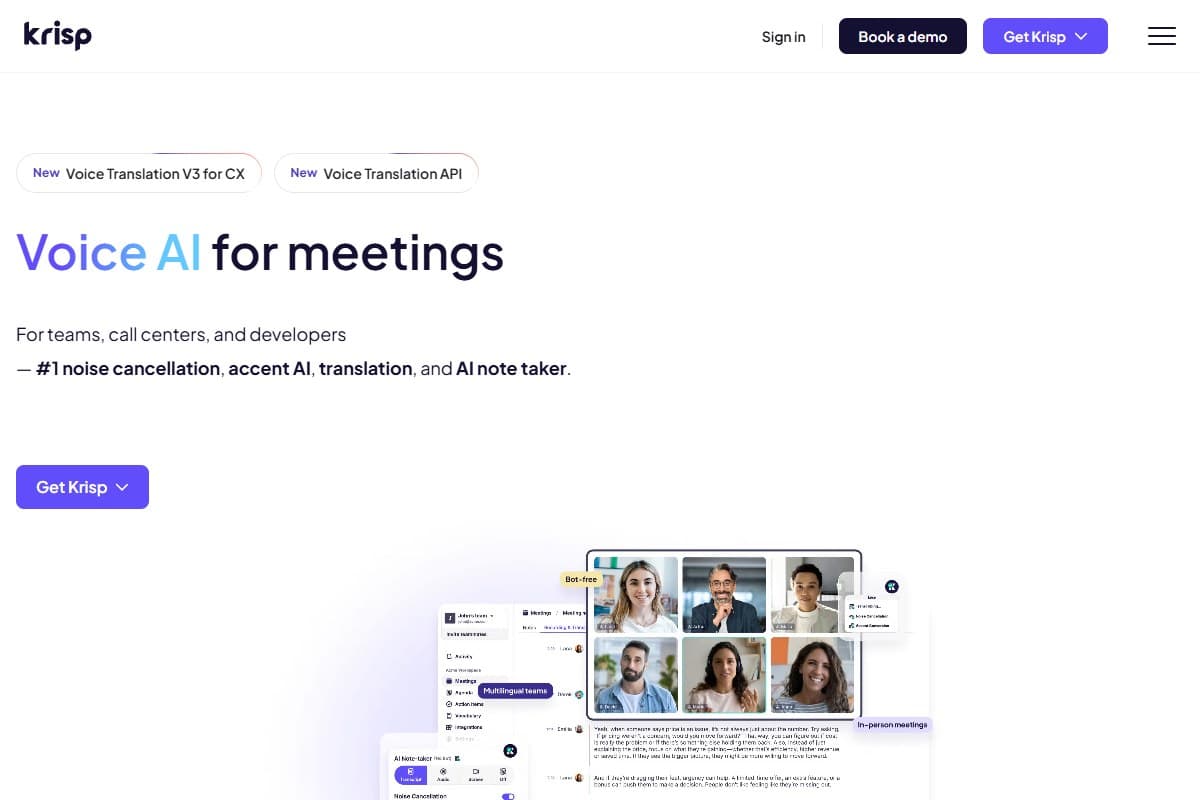
Krisp comes at meetings from underneath. It installs a virtual microphone, so any conferencing app (Zoom, Meet, Teams, Slack) routes through it, and the background noise on your call simply disappears. In both directions. The moment that earned its rating in my testing was a call taken six feet from a running leaf blower: my colleague said she heard nothing, and I had to walk to the window to confirm the thing was still on.
Listener reported hearing no background noise at all: steady, droning noise vanished completely, in both directions, with one toggle and no bot on the call.
The meeting-notes layer is the newer part, and it's a genuine bonus rather than the reason to buy. Because Krisp transcribes from already-clean audio (and crucially, without a separate bot joining the call), the summaries and action items came out a notch more accurate than I expected. It's not going to out-format a dedicated notetaker on speaker labels, but for "clean audio plus competent notes, invisibly," nothing else here matches it. The on-device processing (SOC 2 + HIPAA) also makes it the safe pick for regulated work. Full breakdown in my Krisp review 2026.
Where it strains: sudden, voice-shaped sounds (a sharp laugh, a name called across a room) can leak a sliver before the AI clamps down. Steady noise is solved; unexpected human noise is the frontier.
Wave deep dive: the bot-free recorder for real-world audio
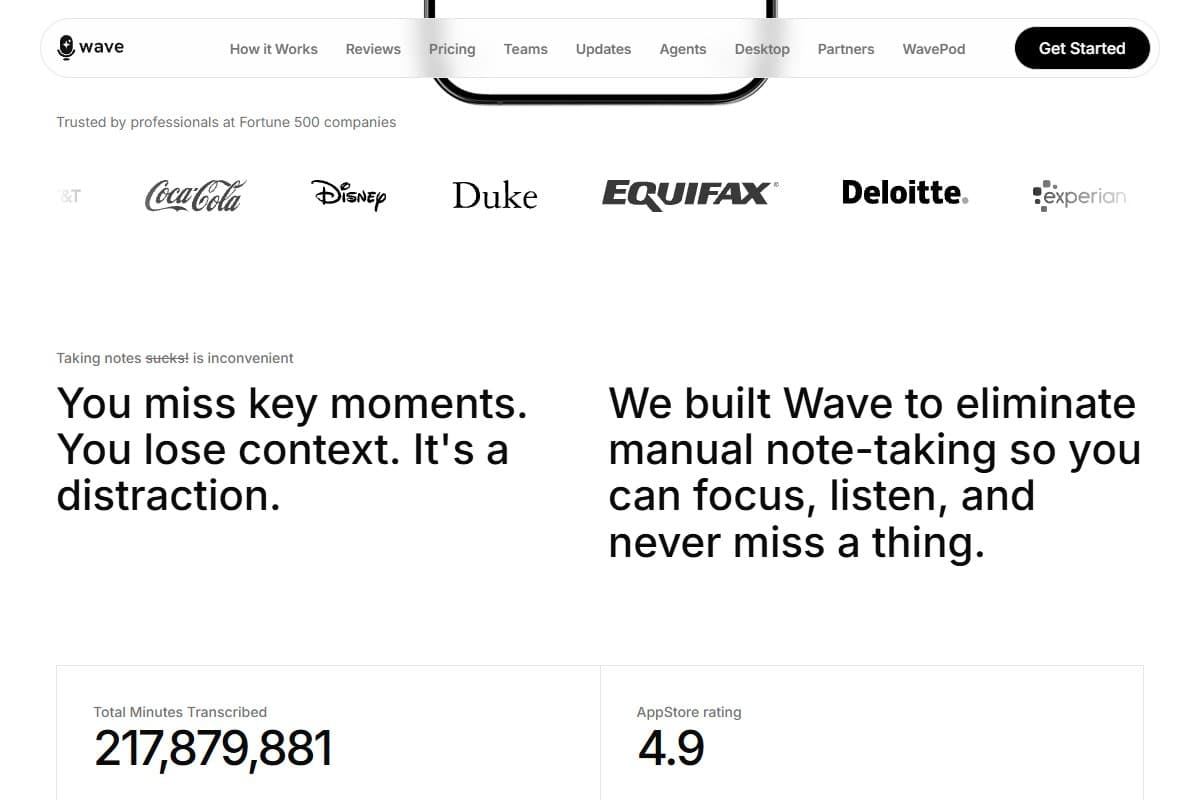
While the rest of the category fights over who joins your Zoom, Wave does the unfashionable thing: it just listens to the room. It's a mobile-first recorder that captures whatever your phone's mic can hear: a phone call, an in-person conversation, a 90-minute lecture. That's the exact audio the bot-based tools can't touch. No meeting link, no participant tile, no bot.
The transcription genuinely surprised me. On a 22-minute phone call with patchy reception (the kind of audio that usually produces garbage), Wave came back around 92% accurate, catching a mumbled product name and a fast-spoken phone number I expected it to miss. The AI summaries are the real product: action items and key points accurate enough that I stopped reading the full transcript. It handled mixed English/Spanish in one recording without flinching, and the privacy stance (SOC 2, never trains on your data) is concrete. The deep dive lives in my Wave AI Note Taker review 2026.
The honest knocks: the free tier is stingy (30 minutes a month, barely one real meeting), speaker labels smear when voices overlap, and there are Android reliability complaints serious enough that I'd only fully trust it on iPhone or desktop today.
Mina deep dive: the one that joins your call (and acts)
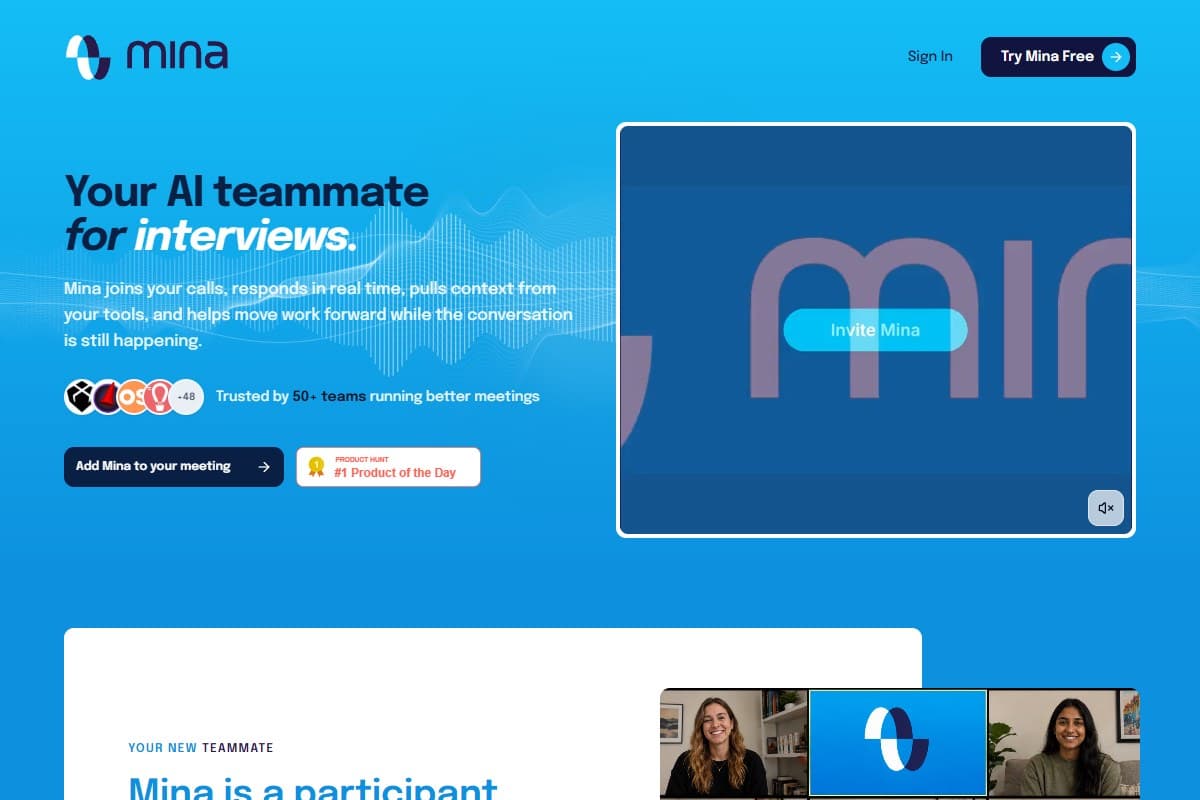
Mina is the outlier here, and I want to be precise about why. Every other tool on this page stays out of the conversation. Mina does the opposite on purpose: it joins the call as its own visible participant on Zoom, Meet, or Teams, listens in real time, and (this is the genuinely new part) speaks back and takes action while the meeting is still happening. Say "Hey Mina, quick summary of the week so far?" and it answers out loud, pulling from your actual tools, then files the Jira ticket and updates the CRM before you've closed the tab. It launched straight to #1 Product of the Day on Product Hunt in June 2026 for exactly that reason.
So it's a different use case, not a better-or-worse version of the same thing. If your real pain is the after-meeting admin pile (the tickets and CRM updates nobody does), Mina is aiming squarely at it with 200+ integrations (Slack, HubSpot, Salesforce, Jira, Notion, Linear). The deep dive in this section walks through how that plays out in practice.
Now the honest limitations, because they matter for this comparison. Mina is the one tool here that puts a bot in your meeting (by design, since it can't speak or act invisibly), which is the exact thing many readers are trying to avoid. It's also days old, "trusted by 50+ teams," has no published pricing (the always-listening proactive mode is the metered premium tier), and an AI that talks and acts autonomously on a live customer call is a trust-and-privacy bet you make deliberately, not on day one. There's no affiliate program for it either: I have nothing to gain from mentioning it, and I still think it's worth watching. It's early-adopter software with a real idea, not a settled tool.
Krisp vs Wave vs Mina: the head-to-head
| Tool | Rating | Price | Best for | Verdict |
|---|---|---|---|---|
| Krisp | 4.4/5 | $8/mo (annual) | Clean audio + notes on any app, no bot | Best for noisy calls. Notes are a bonus, not the draw. |
| Wave AI Note Taker | 4.1/5 | Free / $11.67/mo | Bot-free capture of real-world audio | Best for phone calls, in-person, lectures. Stingy free tier. |
| Mina | 4.0/5 | Free beta (paid TBA) | An AI that speaks and acts live during the call | Genuinely new, but it joins as a bot and is unproven/unpriced. |
| Dimension | Krisp | Wave | Mina | Winner |
|---|---|---|---|---|
| Bot-free recording | Yes (invisible audio layer) | Yes (records your mic, no bot) | No (joins as a visible participant) | Krisp / Wave |
| Transcription accuracy | Strong (benefits from clean audio) | Excellent, even on bad phone audio | Live transcribes + acts; unproven at scale | Wave |
| AI summaries quality | Competent bonus, weaker speaker labels | The product: accurate, action-ready | Live action items + spoken recaps | Wave |
| Noise cancellation | Best-in-class, bidirectional, on-device | None (it's a recorder, not a filter) | None | Krisp |
| Integrations | App-agnostic (works in every call app) | Cross-platform apps + exports | 200+ (Slack, HubSpot, Jira, CRM) | Mina |
| Pricing | $8/mo annual ($15 Advanced) | Free 30 min/mo · Pro $11.67/mo | Free beta · paid not yet published | Wave |
| Best for | Noisy calls, regulated/privacy work | Phone/in-person/lecture capture | Teams wanting live action-taking | Depends |
Want to line all three up on price and rating yourself? The comparison widget puts them side by side. The honest framing: Krisp and Wave aren't really rivals: Krisp cleans and notes your video calls invisibly, Wave captures the real-world audio video tools can't reach. Mina is a different bet entirely.
Who should pick Krisp
Pick Krisp if you are:
- A remote worker taking calls from noisy, unpredictable places: home with kids, a café, a co-working floor, a car
- App-agnostic: you bounce between Zoom, Meet, Teams, and Slack and want clean audio in all of them at once
- In a regulated field (healthcare, legal, finance) where on-device, SOC 2 / HIPAA-compliant audio handling matters
- After notes without a bot announcing itself on the call; Krisp transcribes the clean audio invisibly
In short: Krisp is the everyday pick for anyone whose meetings are video calls and whose enemy is noise.
Who should pick Wave
Pick Wave if you are:
- Capturing audio that isn't a video call: phone calls, in-person meetings, hallway conversations, lectures
- A salesperson, recruiter, or founder whose important conversations happen off-screen
- A student or researcher who needs accurate transcripts, including mixed-language audio
- Privacy-conscious and want a bot-free recorder with a clear no-training, SOC 2 commitment
In short: Wave is the real-world pick: it owns the audio every meeting bot ignores.
Who should pick Mina
Pick Mina if you are:
- A sales, customer-success, or engineering team drowning in post-call admin you want done during the call
- Comfortable with a visible AI participant on the call; the bot is the point, not a bug, here
- An early adopter who'll trial days-old software to get a capability nobody else has yet
- Living in Slack, HubSpot, Salesforce, or Jira and wanting meeting outcomes pushed there automatically
In short: Mina is the early-adopter pick: a different, more ambitious tool you adopt on purpose, not the bot-free notes most readers came here for.
FAQ: best AI meeting assistant 2026
What's the best AI meeting assistant in 2026?
There's no single winner; it depends on the job. Krisp is best for noisy video calls: it kills background noise on any app and takes notes from the clean audio, with no bot joining the call. Wave is best for capturing real-world audio like phone calls, in-person meetings, and lectures, also bot-free. Mina is best for teams who want an AI that speaks and takes action live during the call, though it joins as a visible participant and is early-stage. Most people who hate meeting bots should start with Krisp or Wave.
Which AI meeting assistant doesn't put a bot in the call?
Both Krisp and Wave stay invisible. Krisp is an audio layer that installs a virtual microphone, so it cleans your call and transcribes it without ever appearing as a participant. Wave records straight from your device's mic, so there's no meeting link and no bot tile. Mina is the exception: it deliberately joins the call as its own visible participant, because that's how it speaks and takes action in real time.
Krisp vs Wave: which should I choose?
Choose Krisp if your meetings are video calls and your problem is noise or you want invisible notes across every app. Choose Wave if the audio you need to capture happens off-screen (phone calls, in-person conversations, lectures), since it records the room rather than joining a meeting link. They actually complement each other: many people run Krisp underneath their video calls and reach for Wave for everything that isn't one.
How much do these AI meeting assistants cost in 2026?
Krisp starts at around $8/month per user on annual billing (Core), with an Advanced tier at $15/month and a 7-day free trial; monthly billing runs higher. Wave has a free tier (30 minutes/month), then Pro at $11.67/month and Teams at $7.50/user/month. Mina is free during its launch beta with no published paid pricing yet; its always-listening proactive mode is expected to be the premium tier. Verify current pricing on each tool's site before buying.
Is Mina better than Krisp or Wave?
It's not better or worse; it's a different product. Krisp and Wave do one thing each extremely well (clean audio, and bot-free capture) without interrupting your meeting. Mina attempts something more ambitious: speaking and taking action live during the call. That's genuinely new and useful for teams buried in post-meeting admin, but it's days old, unproven, unpriced, and it requires a bot in your call. For dependable, invisible meeting help today, Krisp or Wave is the safer pick.
Can I use more than one of these together?
Yes, and it's often the best setup. Krisp operates as an audio layer, so it can clean your microphone underneath whatever notetaker you use, including Wave on a desktop call. Mina, by contrast, is an all-in-one participant, so you'd run it on its own rather than stacked. A common 2026 stack is Krisp for clean audio plus a dedicated notetaker for the written record.
Final verdict: pick the assistant that fits how you meet
After a week across all three, the decision comes down to three lines:
- Pick Krisp if your meetings are video calls and you want clean audio plus invisible notes: it's the everyday winner, and the bot-free pick for noisy environments and regulated work.
- Pick Wave if you need to capture audio that isn't a video call (phone, in-person, lectures), bot-free, with transcription that holds up on bad audio.
- Consider Mina only if your team wants an AI that acts live during the call and you're comfortable with a visible bot and early-adopter risk; it's the most ambitious here, and the least settled.
The roundup earns a 4.5 because two of these three are genuinely excellent at their jobs and the third is a real glimpse of where meeting AI is heading. The "no bot in my call" crowd (which is most of us) should start with Krisp or Wave, both of which offer a free way in. Test them on your own week before committing.
Related reviews
- AI Audio Tools topic hub: every meeting, voice, and audio tool we've tested in one place.
- Krisp review 2026: the full deep dive on the best noise cancellation, now with notes.
- Wave AI Note Taker review 2026: the bot-free recorder, tested on real-world audio.
- Wispr Flow review 2026: the voice-dictation side of the 2026 voice-AI wave.
Got a meeting-assistant question I didn't cover, or a specific call type you want me to test these on? Get in touch. Reader questions shape the next round of comparisons.
Free interactive tool
Compare Best AI Meeting Assistant with other AI toolsSide-by-side pricing, features, and ratings — plus a recommended pick for your use case.
Independent AI tools researcher
Keep reading
Related reviews
Prezi AI Review 2026: Is It Still Worth It for Presentations?
We tested Prezi AI 3.0 in 2026. The zoom canvas is genuinely impressive but is it worth it over Gamma?
Best AI Project Management Tool 2026: Tested & Ranked
We tested the best AI project management tools in 2026. Taskade leads for AI agents, automation, and solo founders. Here's the honest verdict.
Wispr Flow Review 2026: The AI Voice Dictation Tool That Actually Works? (Hands-On Test)
Wispr Flow just raised $81M to build a 'Voice OS.' I dictated this whole review with it to find out if it's the rare voice tool that actually works.