While every other AI note taker in 2026 is fighting over who joins your Google Meet as a bot, Wave does the unfashionable thing: it just listens to the room. This Wave AI Note Taker review is about the app that's quietly piled up over 11,000 App Store ratings at 4.9 stars, without a single meeting-bot integration, by being the tool you reach for when the audio is a phone call, a coffee-shop conversation, or a professor talking for 90 minutes.
I'm not interested in rewriting Wave's landing page. I spent a week pointing it at the messy, real-world audio that trips up Otter and Fathom (a bad-signal phone call, a four-person dinner, a lecture I half-understood) to find out where it actually holds up and where it cracks. Short version: genuinely good at the hard part, with two flaws you should know before you pay.
How I Tested This
Why Wave is trending right now
AI note takers are the single most contested productivity category of 2026. Granola, Fathom, Otter, Krisp, Fellow, Fireflies: every one of them shipped a new "agent" or scorecard this spring, and the pricing war has gotten ugly (Fathom went unlimited-free; Granola caps your history at 30 days to force the upgrade). The whole fight is happening on one battlefield: the video call.
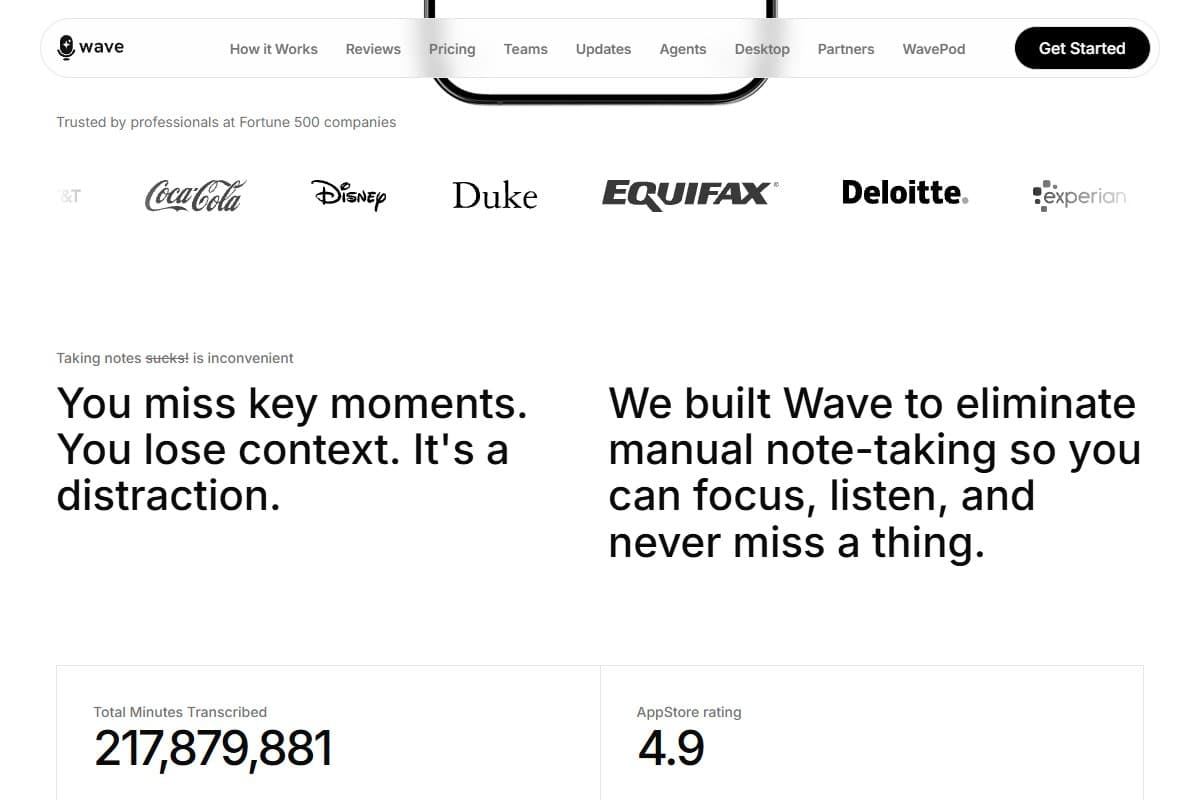
Wave is interesting precisely because it refused to enter that fight. There's no bot that announces itself in your Zoom. Instead it's a mobile-first recorder that captures whatever your phone's mic can hear, and that's exactly the audio the bot-based tools can't touch. A sales rep's parking-lot phone call. A founder's hallway conversation. A grad student's seminar. As the rest of the category converged on the same meeting-bot playbook, Wave's bet on real-world capture turned into its moat, and it's showing up in the 2026 "best AI note taker" roundups as the privacy-first outlier: SOC 2 compliant, and it explicitly never trains on your data.
What Wave actually is
Wave is a record-transcribe-summarize app for audio that originates in the physical world, not just on a screen. You press one button, it records, and within seconds of stopping you get a clean transcript plus an AI summary with action items.
- One-tap capture: phone calls, in-person meetings, lectures, voice memos; no calendar integration or bot required
- 76-language transcription: including mixed-language audio, which most rivals choke on
- AI summaries + action items: the transcript is the raw material; the summary is what you actually read
- Cross-platform: iPhone, Android, Mac, Windows, a Chrome extension, and web, with sync across them
- Privacy-first: SOC 2 compliant, and a flat "never trains on your data" commitment

My honest testing experience
The moment that earned the rating came on the worst audio I fed it. My 22-minute phone call had the kind of reception that makes you say "can you hear me?" twice, and Wave came back with a transcript I'd estimate at 92% accurate, correctly catching a product name I'd mumbled and a phone number rattled off too fast. I went in expecting garbage. I got something I'd actually send to a colleague.
The pattern that kept repeating: Wave is excellent at words and merely okay at who said them. On the four-person dinner, the transcript was almost perfect, but the speaker labels smeared: two voices kept getting merged into one "Speaker 2," and untangling it took manual cleanup. Short, clear audio? Flawless. The messy, overlapping stuff that's the whole reason you'd record a room? That's where it asks a little patience of you.
The lecture is what sold me on the summary engine. Ninety minutes of a professor drifting between English and Spanish, and Wave's summary pulled out the five actual concepts plus a tidy list of "things to review": the bit I'd normally reconstruct from scratch at 11pm. It didn't just shorten the transcript; it understood it.
~92% accurate: caught a mumbled product name and a fast-spoken phone number I expected it to miss
What I liked
- It owns the audio nobody else captures: phone calls and in-person conversations are first-class here, not an afterthought bolted onto a meeting bot
- Transcription quality on bad audio: the 92% on a patchy call genuinely surprised me; this is the hardest case and it held
- The summaries are the product: action items and key points were accurate enough that I stopped reading the full transcript
- Real multilingual support: mixed English/Spanish in one recording didn't faze it, and that's rare
- Privacy you can point to: SOC 2 plus an explicit no-training promise is a real differentiator in a category full of vague data policies
- Genuinely cross-platform: starting a recording on my phone and reading the cleaned-up summary on my Mac just worked
What frustrated me
- The free tier is stingy: 30 minutes per month is barely one real meeting; Otter gives you 300 and Fathom is unlimited, so Wave's free plan is more demo than trial
- Android reliability bugs: multiple recent reviewers report recordings failing mid-capture with no recoverable file, and "no voices recorded" on calls that clearly had voices; I didn't hit it on iOS, but it's too common to ignore
- Speaker diarization smears: overlapping voices get merged, which means manual cleanup on exactly the group audio you most wanted captured
- Support responsiveness: at least one reviewer reported outgoing-call recording breaking and never hearing back from support
What I'd change about Wave
If I had the founder's ear for ten minutes, three things:
- Fix the free tier math. 30 minutes a month doesn't let anyone evaluate the thing that's actually good here: long-form capture. Give people one or two full hours so they hit the "wow" on a real meeting, then convert them. The current cap converts skepticism, not trials.
- Make a failed recording impossible. The single worst outcome for a note taker is recording something irreplaceable and getting an empty file. A local fallback buffer that survives crashes, so the raw audio is always recoverable even if transcription fails, would turn the scariest reviews into non-events.
- Ship better diarization before more features. Word accuracy is already there; the gap is "who spoke." Nailing speaker separation on overlapping voices would make Wave genuinely best-in-class for the in-person audio it already owns, instead of merely very good.
None of these are deal-breakers on iOS today. But the first two are the difference between a 4.1 and a 4.6.
Pricing: is it worth it?
- 30 minutes/month
- AI transcription + summaries
- iOS, Android & web
- Best for: a quick taste, not a real trial
- Unlimited recording + transcription
- AI summaries & action items
- Export to PDF, OneNote, email
- All platforms incl. Mac & Windows
- Best for: solo professionals & students
- Everything in Pro
- Centralized billing + admin dashboard
- Minimum 5 users
- Best for: small teams standardizing on one tool
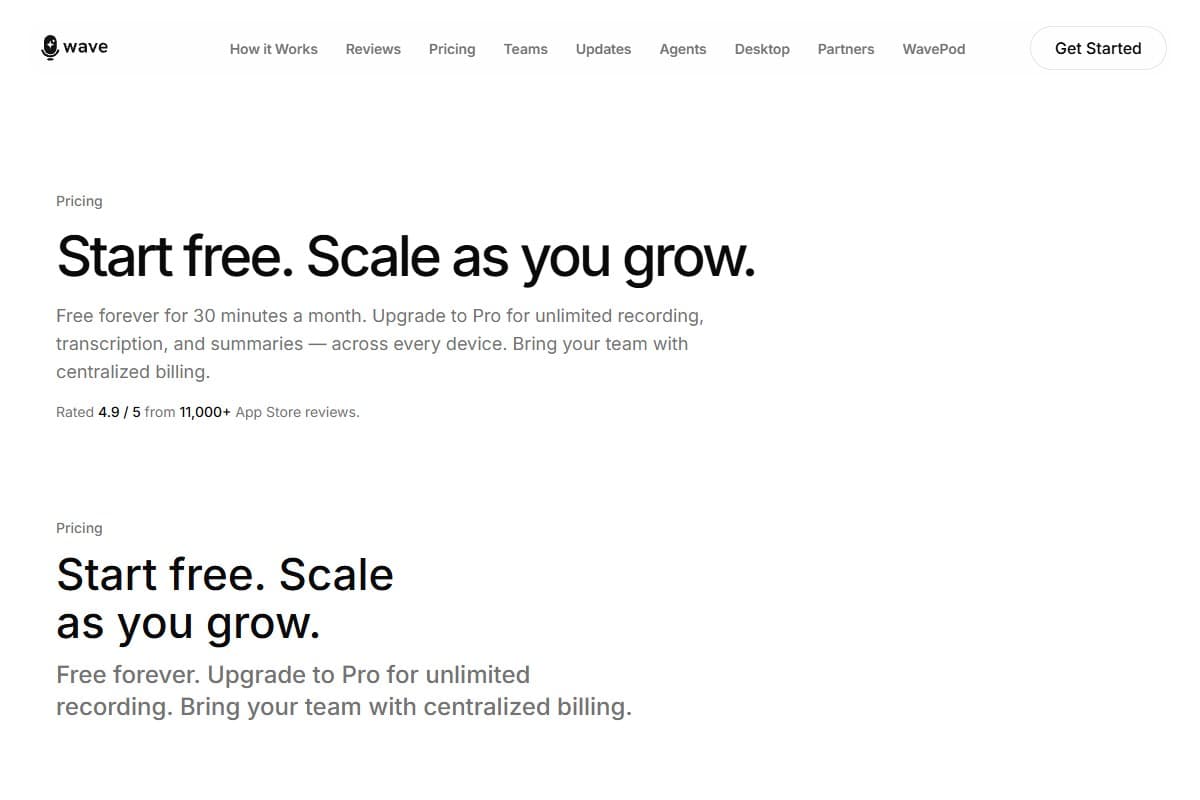
Pro at $11.67/month billed annually (prices vary by platform and region) is the tier that matters, and for unlimited transcription with summaries this good, it's fair: cheaper than Otter Pro and undercutting most of the field. The honest knock isn't the Pro price; it's that the free tier is too thin to let you reach the paywall confident. Record one real meeting and you're already out of runway.
Who should use Wave
Buy it if you are:
- A salesperson, recruiter, or founder whose important conversations happen on the phone or in person, not in scheduled video calls
- A student or researcher who needs lectures and interviews transcribed accurately, including in mixed languages
- Privacy-conscious about meeting tools and want a clear SOC 2 / no-training commitment in writing
Who should avoid Wave
Skip it (try alternatives) if you are:
- A remote team living inside Zoom/Meet/Teams all day: a bot-based tool like Fathom captures those natively and free
- Someone who needs perfect, automated speaker labels on big group calls without any cleanup
- On Android and unwilling to risk the recording-reliability bugs current reviewers are flagging
How Wave compares to the alternatives
| Tool | Rating | Price | Best for | Verdict |
|---|---|---|---|---|
| Wave AI Note Taker | 4.1/5 | $11.67/mo | Real-world audio: phone calls, in-person, lectures | Best for bot-free capture; great transcription, weak diarization |
| Fathom | 4.5/5 | Free / $19/mo | Video-call notes on Zoom/Meet/Teams | Unbeatable free tier, but it's a meeting bot: no in-person capture |
| Otter.ai | 4.2/5 | Free / $16.99/mo | Mixed in-person + virtual transcription | 300 free minutes and solid, but pricier and noisier on long audio |
| Use case | Winner |
|---|---|
| Phone calls & in-person conversations | Wave |
| Zoom / Meet / Teams video calls | Fathom |
| Most generous free tier | Fathom |
| Mixed-language lectures & interviews | Wave |
| Automated speaker labels on group calls | Otter.ai |
Final verdict: 4.1 out of 5
Wave earns its rating by being excellent at the thing the rest of the category abandoned: capturing real-world audio without a bot. Transcription on bad phone audio genuinely impressed me, the summaries are good enough to replace reading the transcript, and the privacy stance is concrete rather than marketing fluff. I'm deducting for a free tier too thin to function as a real trial, speaker diarization that smears on overlapping voices, and Android reliability complaints serious enough that I can only fully recommend it on iOS today. If you record phone calls, in-person meetings, or lectures, and you're on iPhone or desktop, it's a clear buy at $11.67/month. If your life is video calls, Fathom is the smarter free pick.
FAQ: Wave AI Note Taker review
Is Wave AI Note Taker worth paying for?
For the right user, yes. Pro at $11.67/month (billed annually) unlocks unlimited recording with summaries that are accurate enough to act on, and it's cheaper than Otter Pro. The value is highest if you capture phone calls or in-person audio: the stuff free meeting bots can't reach. If you only ever record video calls, you can get most of this free elsewhere.
How accurate is Wave's transcription?
In my testing it landed around 90–95% on clear audio and still ~92% on a low-signal phone call, which is strong for the hardest case. Word accuracy is the standout. Where it slips is speaker labeling: on overlapping group conversations it tends to merge voices, so expect some manual cleanup on multi-person recordings.
Wave vs Otter vs Fathom, which should I pick?
Pick Wave if your important audio is phone calls, in-person meetings, or lectures, since it records the room rather than joining a meeting link. Pick Fathom if you live in Zoom/Meet/Teams and want the most generous free tier. Pick Otter if you want a middle ground with solid automated speaker labels. They're solving slightly different problems despite looking similar.
Does Wave use my recordings to train AI?
No. Wave states plainly that it never trains on your data and maintains SOC 2 compliance, which is a meaningfully clearer privacy stance than several rivals offer. If a documented no-training policy matters for your work (legal, medical, sales), that's one of Wave's strongest selling points.
What's the catch with Wave's free plan?
It's only 30 minutes per month: enough to test the interface, not enough to evaluate Wave on a real meeting or lecture. By comparison Otter gives 300 free minutes and Fathom is unlimited. Plan to upgrade to Pro almost immediately if Wave is going to be your main tool, because the free tier runs out after roughly one real recording.
Is Wave reliable on Android?
This is the honest weak spot. Multiple recent reviewers report recordings failing mid-capture with no recoverable file, and some "no voices recorded" errors on calls that clearly had audio. I didn't hit these on iOS, but the Android complaints are frequent enough that I'd test it hard on a few throwaway recordings before trusting it with anything important.
Related reviews
- Cluster hub: AI Audio Tools
- Best AI meeting assistant roundup
- ElevenLabs Review 2026
- Best Free AI Tools (Tested)
Got a Wave question I didn't cover, like how it handles a specific language or call type? Get in touch, reader questions shape the next round of reviews.
Free interactive tool
Compare Wave AI Note Taker with other AI toolsSide-by-side pricing, features, and ratings — plus a recommended pick for your use case.
Independent AI tools researcher testing what actually works.
Keep reading
Related reviews
Krisp Review 2026: The Best AI Noise Cancellation for Remote Workers? (Hands-On Test)
Krisp strips background noise from any call on any app, and now takes notes too. I tested it on a leaf blower, a crying baby, and a café.
ElevenLabs Music v2 Just Launched: AI Music That Switches Genres Mid-Track (And Cuts Pricing Up to 50%)
ElevenLabs Music v2: mid-track genre switching, section inpainting, embedded sound effects, and up to 50% lower API pricing. My honest first-48-hours take.
ElevenLabs Review 2026: Is the $22 Creator Plan Actually Worth It?
ElevenLabs hit $500M ARR and signed Spotify for AI audiobooks. After testing Eleven v3 hands-on, here's my honest verdict on whether it's worth the money.