The honest truth about wispr flow vs superwhisper is that they aren't really the same product: they just both turn your voice into text. I ran both for real daily work in 2026, dictating emails, Slack messages, and docs through each, and they behaved like tools built by people who fundamentally disagreed about what dictation is for. Wispr Flow wants to clean up your speech and follow you to every device. SuperWhisper wants to keep every word on your machine and give you knobs for everything.
That single difference, cloud convenience vs local control, decides this for almost everyone. This isn't a spec-sheet rewrite. It's the buying decision, laid out by who you actually are, with SuperWhisper's eye-watering lifetime price hike addressed head-on instead of buried in a footnote.
What each tool actually does
They overlap on the surface (both let you hold a hotkey, talk, and drop text wherever your cursor is) but they're tuned for opposite priorities.
Wispr Flow is a cloud-powered, auto-editing dictation layer. Its whole pitch is that it doesn't just transcribe you, it cleans you up. You ramble with "um"s and a restarted sentence, and what lands is a tidy, grammatical paragraph. It runs system-wide on Mac, Windows, iPhone, and Android, syncs your settings across devices, handles 100+ languages with mid-sentence code-switching, and adds a Command Mode where you speak edits ("make that a bullet list") instead of typing them. The catch is that it does this by sending audio (and, for context, periodic screenshots of your active window) to the cloud.
SuperWhisper is a private, offline, Mac-first dictation engine. It runs Whisper speech models on your device, so audio never has to leave your Mac. Instead of one opinionated cleanup style, it gives you "modes": custom prompt profiles you configure per task ("this is a legal email, keep it formal"). It's deeply customizable, genuinely private, and works on a plane with the Wi-Fi off. The trade-off: it's Mac-centric, the setup feels more like configuring software than installing an app, and the polished AI cleanup only kicks in if you wire up a cloud model with your own API key.
If your real need is meeting notes rather than live dictation, neither is the right tool: that's a different job covered in my best AI meeting assistant 2026 roundup.
How I tested both
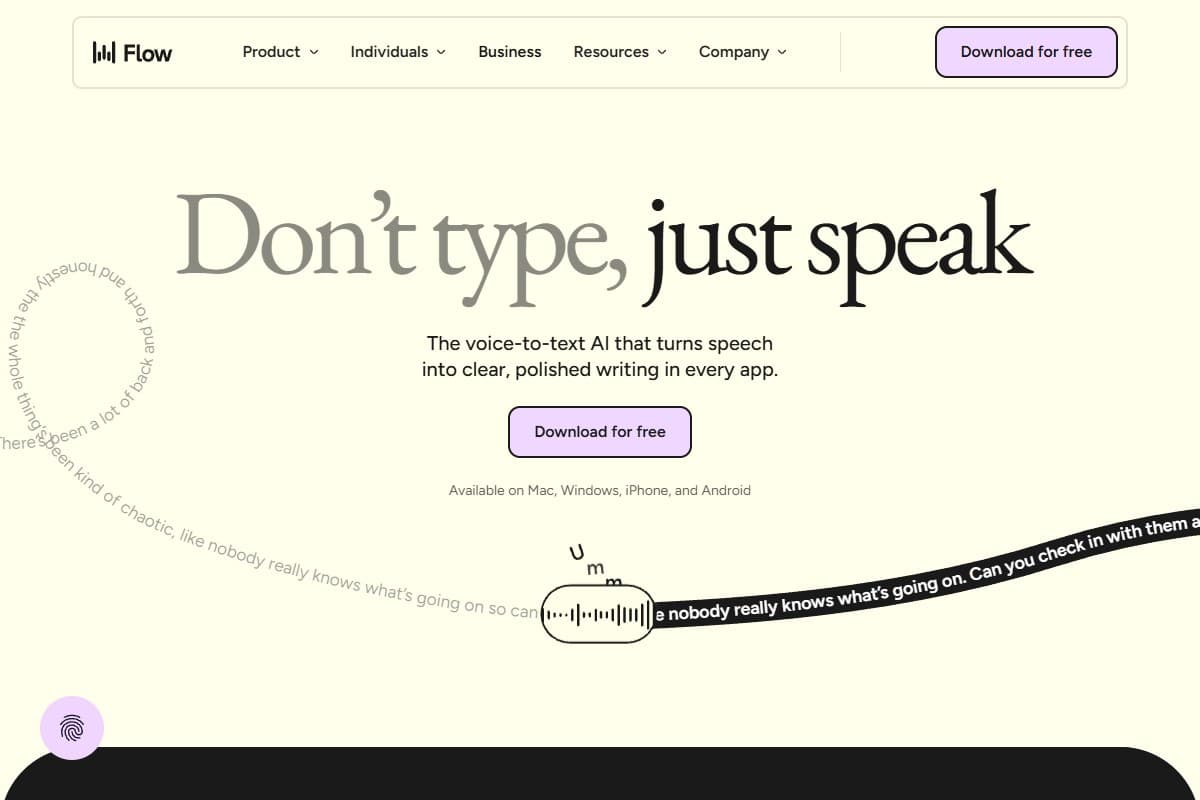
Wispr Flow deep dive: strengths and weaknesses
Wispr Flow won me over with one email. I rambled a three-sentence reply full of filler and a sentence I restarted halfway, and what appeared in Gmail was clean, grammatical, and send-ready. No cleanup pass. That's the trick every other dictation tool fumbles: they transcribe your mess faithfully, so you spend the time you saved editing. Wispr edits for you, live.
In a quiet room it's fast: I sustained 150–180 words a minute of usable output, roughly three to four times my typing. The multilingual handling surprised me too: I slipped into Spanish mid-sentence and it just followed, no toggle. And because it's the same app on Mac, Windows, and iPhone, the dictation I learned on my laptop worked identically on my phone. For cross-platform writers, that consistency is the whole sell.
150–180 words/minute: 3–4x my typing speed, with auto-edit doing the cleanup live so I barely touched the result
Where it slips is trust and privacy. To stay context-aware, Flow periodically captures screenshots of your active window and sends them to the cloud: disable that and you lose a chunk of its accuracy, so privacy and quality are in direct tension. Its Trustpilot rating sits around 2.7/5, and a recurring "trust gap" complaint is that quality dips after the free trial ends. It's also heavy (~800MB RAM, ~8% CPU even idle), and accuracy falls off a cliff in a noisy café. There's no offline mode at all: no connection, no dictation.
For the full hands-on breakdown: the screenshot privacy model, the Windows reliability gaps, and every pricing tier tested end to end: see my Wispr Flow review 2026.
SuperWhisper deep dive: strengths, weaknesses, and the $249 → $849 story
SuperWhisper is the dictation tool I'd trust with a confidential document, because nothing has to leave my Mac. It runs Whisper models locally, so I dictated a full paragraph mid-flight with the Wi-Fi off and it worked exactly as well as it did on the ground. That alone makes it a different category from Wispr Flow for anyone under an NDA, in healthcare, or in legal work. Raw accuracy on the local models is excellent: reviewers consistently rate it highly (Product Hunt sits near 4.9/5), and the "modes" system lets you pre-load context so the output matches the task instead of one generic style.
The weaknesses are setup and scope. Out of the box, SuperWhisper gives you accurate raw transcription; the polished, filler-removing cleanup that Wispr does automatically requires configuring a cloud LLM mode with your own API key, which means extra per-use cost and more moving parts. Several users describe the learning curve as "like configuring a server." It saves audio recordings by default, and it's Mac-first, with a limited Windows build. It's powerful, but you work for that power.
Then there's the price story you need to hear before you buy. SuperWhisper's lifetime license jumped from $249 to $849 in 2026: a roughly 240% increase. For years, the $249 one-time deal was the headline reason to pick SuperWhisper over a subscription: pay once, own it, beat Wispr's monthly fee within a couple of years. At $849, that math collapses. You'd now need to be certain SuperWhisper stays your primary dictation tool for the better part of a decade to break even against simply paying monthly. The monthly ($8.49) and annual ($84.99) plans are unchanged and still cheap, but the lifetime tier, the thing the whole "buy it forever" pitch rested on, is no longer the obvious value it was. If a reader walks away with one fact from this post, it's that one.
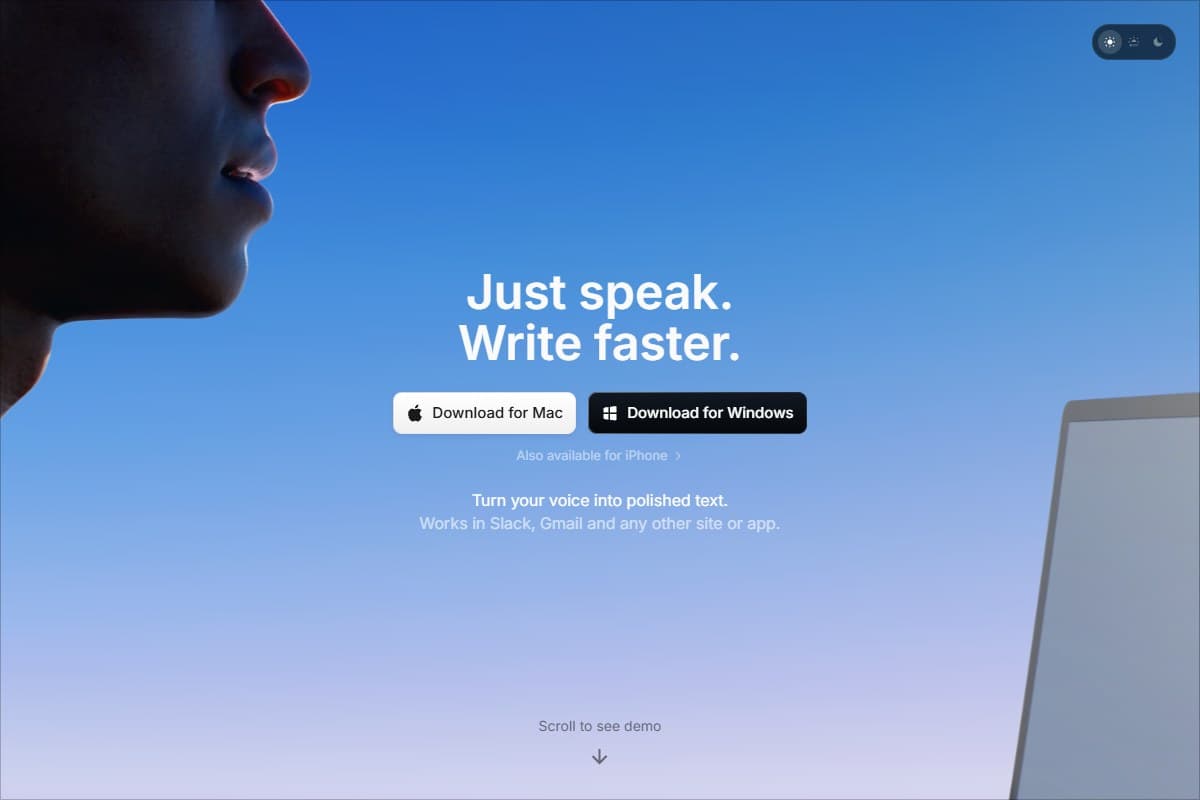
Head-to-head: Wispr Flow vs SuperWhisper
| Tool | Rating | Price | Best for | Verdict |
|---|---|---|---|---|
| Wispr Flow | 4.0/5 | $12–15/mo | Fast, auto-edited dictation across every platform | Cleanest output and best cross-platform polish; cloud-only with a screen-capture privacy trade-off. |
| SuperWhisper | 4.2/5 | $8.49/mo or $849 lifetime | Private, offline, Mac-native dictation | Best privacy and offline use; needs setup, and the lifetime price hike kills its old value pitch. |
| Dimension | Wispr Flow | SuperWhisper | Winner |
|---|---|---|---|
| Accuracy | Excellent in quiet rooms; auto-cleans filler live | Excellent raw accuracy; cleanup needs a configured mode | Wispr Flow |
| App integrations | Context-aware formatting per app (Gmail, Slack, IDE) | Works system-wide, but no per-app awareness | Wispr Flow |
| Offline mode | None: cloud-only, no connection means no dictation | Fully offline on-device Whisper models | SuperWhisper |
| Platform | Mac, Windows, iPhone, Android (true cross-platform) | Mac-first; limited Windows; iOS/iPad | Wispr Flow |
| Pricing | $12/mo annual ($15 monthly), no lifetime | $8.49/mo or $84.99/yr: lifetime jumped $249 → $849 | Depends |
| Privacy | Cloud audio + periodic screen capture | 100% on-device; audio never leaves your Mac | SuperWhisper |
| Best for | Cross-platform writers who want zero setup | Mac power users who need offline + full privacy | Depends |
Who should pick Wispr Flow
Pick Wispr Flow if you are:
- A writer who works across more than one platform (Mac at your desk, Windows at the office, dictating into your iPhone on the move) and wants the same experience everywhere.
- Someone who wants send-ready text with zero configuration: the auto-edit removes filler and fixes grammar live, so you don't edit afterward.
- Frequently switching languages, since its mid-sentence code-switching genuinely works.
- Comfortable with cloud processing and not under strict compliance rules.
In short: Wispr Flow is the convenience-and-reach pick. It's the one that just works, on every device, the moment you install it, which is why it's the better default for most people and the only tool I'm putting a CTA behind here.
Who should pick SuperWhisper
Pick SuperWhisper if you are:
- Privacy-sensitive or under NDA/compliance rules: local, on-device processing means your audio never touches a server.
- A Mac user who needs true offline dictation: on a plane, in a secure facility, or anywhere without reliable internet.
- A tinkerer who wants deep control via custom modes and prompt profiles, and doesn't mind a setup that feels like configuring software.
- Fine paying monthly or annually: at $8.49/mo it's cheaper than Wispr; just don't reach for the $849 lifetime tier unless you're certain it's your forever tool.
In short: SuperWhisper is the privacy-and-control pick. It's the one you trust because nothing leaves your machine: as long as you're on a Mac and willing to do the setup. Voice AI generally is moving fast across the board, as my ElevenLabs review 2026 covers on the synthesis side; SuperWhisper is the privacy-first corner of that same shift.
FAQ: Wispr Flow vs SuperWhisper
Which is better, Wispr Flow or SuperWhisper?
Neither wins universally: they win different people. Wispr Flow is better for cross-platform writers who want the cleanest auto-edited text with no setup, and it's the stronger all-rounder for most users. SuperWhisper is better if you need fully offline, on-device dictation that never touches the cloud, and you're on a Mac. Decide by whether convenience-everywhere (Wispr) or privacy-and-offline (SuperWhisper) matters more to you.
Is SuperWhisper's $849 lifetime plan worth it in 2026?
For most people, no: not anymore. When it was $249, paying once beat Wispr's subscription within roughly two years, which made it a genuine bargain. At $849 you'd need SuperWhisper to remain your primary dictation tool for the better part of a decade to break even, and software changes a lot in that time. Unless you're certain it's your forever tool, the $8.49/mo or $84.99/yr plans are the smarter way to buy it.
Which is more accurate?
Both are excellent on raw accuracy in good conditions. Wispr Flow pulls ahead in everyday use because it auto-edits filler and fixes grammar live, so the text is send-ready without a cleanup pass. SuperWhisper's local models transcribe accurately too, but you only get that polished, formatted output if you configure a cloud-LLM mode with your own API key. Both degrade in noisy rooms.
Does either one work offline?
This is SuperWhisper's signature advantage. It runs Whisper speech models entirely on-device, so it works with the Wi-Fi off: on a plane, in a secure facility, anywhere. Wispr Flow is cloud-only: no connection means no dictation, and your audio is processed on remote servers. If offline or fully private dictation is a requirement, SuperWhisper is the only option of the two.
Can I use SuperWhisper on Windows like Wispr Flow?
Not really to the same degree. SuperWhisper is Mac-first with a more limited Windows experience, and it also covers iOS/iPad. Wispr Flow is the genuinely cross-platform option: Mac, Windows, iPhone, and Android with synced settings. If you live on Windows or split time across operating systems, Wispr Flow is the safer pick.
Do I need to worry about privacy with Wispr Flow?
It's the main trade-off. To stay context-aware, Wispr Flow periodically captures screenshots of your active window and sends audio to cloud servers; disabling the screen capture noticeably reduces its accuracy. There are privacy and enterprise/HIPAA-ready options, but if periodic screen capture to the cloud is a dealbreaker for your work, SuperWhisper's on-device model avoids the issue entirely. If you also battle background noise on calls, a dedicated tool like the one in my Krisp review 2026 handles noise cancellation better than either dictation app.
Final verdict: 4.4 out of 5
After running both for a week, the decision comes down to two lines:
- Pick Wispr Flow if you want the cleanest auto-edited text, work across Mac, Windows, and your phone, and value zero-setup convenience. It's the better tool for most people, and the one I'd hand to anyone who just wants to talk instead of type.
- Pick SuperWhisper if dictation has to run fully offline on a Mac and stay 100% private, but buy it monthly or annually, not at the new $849 lifetime price, which no longer makes the sense it did at $249.
This comparison earns a 4.4 because both are genuinely excellent at the job they were built for: the only way to get it wrong is to buy the one designed for the other priority. Wispr Flow wins on cross-platform reach and value; SuperWhisper wins on offline privacy for Mac power users. Want to see the specs side by side before you commit? The comparison widget lays them out next to each other.
Related reviews
- Wispr Flow review 2026: the full hands-on deep dive on the cross-platform, auto-editing dictation tool.
- Best AI meeting assistant 2026: for capturing meetings, not live dictation into apps.
- ElevenLabs review 2026: the voice-AI side of the 2026 shift, on the synthesis end.
- Krisp review 2026: noise cancellation for clean calls and recordings.
- Compare AI tools side by side: specs and pricing, next to each other.
Got a Wispr Flow vs SuperWhisper question I didn't cover, like how either handles a specific accent or app? Get in touch, reader questions shape the next round of comparisons.
Free interactive tool
Compare Wispr Flow vs SuperWhisper with other AI toolsSide-by-side pricing, features, and ratings — plus a recommended pick for your use case.
Independent AI tools researcher
Keep reading
Related reviews
Chatbase vs CustomGPT 2026: Which AI Chatbot Builder Is Worth It?
Both Chatbase and CustomGPT let you build AI chatbots on your own data. But they're built for very different use cases. Here's the honest head-to-head.

Best AI Tools for YouTubers in 2026 (Tested and Ranked)
The best AI tools for YouTubers in 2026, tested hands-on: voiceovers, thumbnails, clean recording audio, and SEO that grows views without a production team.

Best AI Tools for Startups in 2026 (Tested and Ranked)
The best AI tools for startups in 2026, tested hands-on: ship an MVP, add support chat, automate ops, and track metrics before you can afford to hire.