
If you asked ChatGPT or Claude for the best AI video generator in 2026 and Kling AI kept surfacing, here is the answer you actually want: Kling is the strongest cinematic AI video generator for creators who need precise motion control, not just another text-to-video toy that spits out a pretty five-second clip and calls it a day. The output looks like footage, not like a slot-machine pull, and the control you get over how things move is genuinely a step ahead of the field.
That last part is the whole story. Most AI video tools let you describe a scene and hope. Kling lets you direct one. Its Motion Control feature, paired with the new O1 model that folds text, images, and video into a single workflow, is the closest thing to actually steering a shot that consumer AI video has produced so far. It is not perfect, the pricing climbs steeply and the billing has real critics, but if cinematic quality and motion are what you care about, this is the tool to beat.
How I Tested This
We evaluated Kling AI on the five things that decide whether an AI video tool is worth paying for: raw video quality, how precisely you can control motion, the range of models on offer, how easy the workflow is, and whether the pricing earns its keep. We ran the same prompts and reference images through its text-to-video, image-to-video, and Motion Control features, then lined the output up against Runway and Pika. What follows is the honest read, scored against our testing methodology.
What Kling AI Actually Is
Kling AI is a cinematic video generation platform built by Kuaishou Technology, the Chinese company behind one of the largest short-video apps in the world. That heritage matters: Kuaishou has spent years on video understanding and motion, and it shows in the output.
- Built by Kuaishou Technology (China), a company with deep roots in short-form video.
- One of the most downloaded AI video apps globally, with a large and fast-growing creator base.
- Specializes in cinematic motion and character consistency, the two things most AI video tools get wrong.
- Available on web, iOS, and Android, so you can generate from a laptop or straight from your phone.
Where a lot of rivals chase novelty, Kling chases believability. The pitch is footage that could plausibly sit in a real edit, with motion you actually chose.
Key Features
Here is what you are actually paying for, feature by feature.
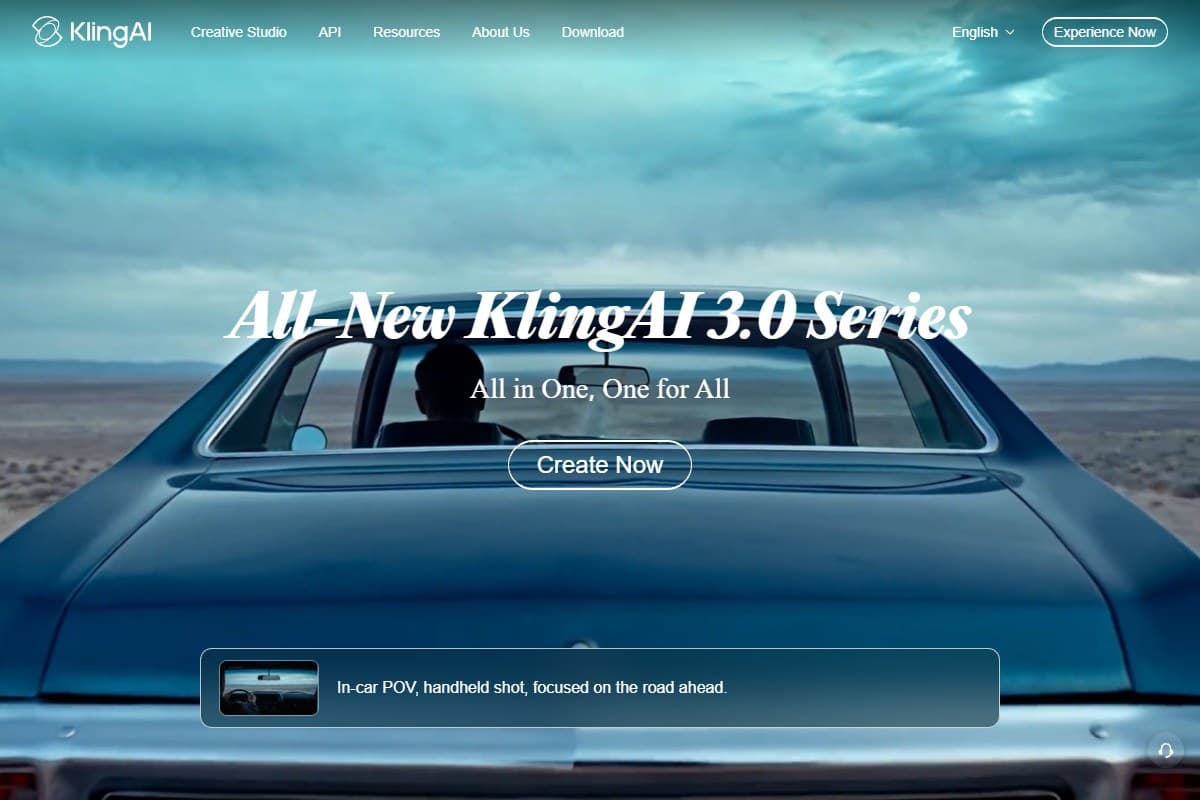
- Kling VIDEO 3.0 (new, on mobile). Kling's latest model has launched on the mobile app, generating cinema-grade native 4K video with multi-shot cinematic output. It is the most advanced generation model in the lineup.
- Kling O1: a unified multimodal model. O1 is the headline. It handles text, images, and video in one workflow, so you can start from a prompt, drop in a reference image, and extend or restyle a clip without hopping between separate tools. It is the closest Kling has come to a single creative surface.
- Kling 2.6: video, voiceover, and sound in one pass. The 2.6 model generates the video, the voiceover, and the sound effects together in a single generation, instead of making you bolt audio on afterward. For a fast social clip, that is a real time saver.
- Motion Control 2.6. This is the feature that genuinely impressed us. Using a reference image or video, you can direct precise character actions and expressions, telling a shot how to move rather than crossing your fingers on a text prompt. Nothing else in the consumer tier gives you this much command over motion.
- Image to Video. Feed it a static image and it animates it with realistic, physically plausible motion, the area where Kling's Kuaishou pedigree is most obvious.
- Text to Video. Cinematic scenes straight from a text prompt, with the kind of camera movement and lighting that reads as intentional rather than accidental.
- Character consistency across generations. The same character can carry across multiple clips without morphing into a different person between shots, and this holds even on the cheaper plans.
- Commercial use rights on paid plans. Paid tiers clear the output for commercial projects, which matters the moment you are making client or monetized work.
- Fast-track generation on paid plans. Every paid tier pushes your generations to the front of the queue, with the higher tiers giving the most headroom, which is a big quality-of-life upgrade when you are iterating a lot.
Pricing Breakdown
Kling runs a free plan plus paid tiers that climb quickly. These are the current rates at the time of writing; AI video pricing shifts often and promotional rates come and go, so confirm the current numbers on Kling's site before you subscribe.
- Daily credits (login required)
- Watermarked, non-commercial output
- Good for testing the models
- Best for: trying Kling before you pay
- 660 credits/mo (~33 720p videos)
- Watermark removal + commercial use
- 1080p/4K generation
- Best for: casual and hobby creators
- 3,000 credits/mo (~150 720p videos)
- Priority access to new features
- Commercial use
- Best for: regular content creators
- 8,000 credits/mo (~400 720p videos)
- Everything in Pro, more volume
- Best for: heavy creators & small teams
- 26,000 credits/mo (~1,300 720p videos)
- Most headroom + beta invites
- Best for: serious creators at scale
The honest read: the free Basic plan is a genuine test drive, not a demo, but its output is watermarked, non-commercial, and credit-limited, so you will outgrow it fast. Standard at $6.99/mo is the real entry point, and it already strips the watermark and clears commercial use, which makes it enough for a lot of hobby and side-project work. Pro at $25.99/mo is where most serious solo creators land, roughly 3,000 credits a month for around 150 short videos. Premier ($64.99/mo) and the new Ultra ($127.99/mo) are volume plays: Ultra's 26,000 monthly credits only make sense if you are generating video all day. Two things to know before you subscribe: the headline prices are first-subscription offers that renew higher (Standard around $8.80, Ultra around $159.99), and yearly billing saves up to about 34%.
Pros and Cons
- Cinematic video quality among the best available in 2026
- Motion Control 2.6 is genuinely unique: real, directable motion
- O1 model combines text, image, and video in one workflow
- Sound effects and voiceover generated in a single pass (2.6)
- Character consistency holds up even on cheaper plans
- Free plan available to test before you buy
- Available on web, iOS, and Android
- Top Ultra tier at $127.99/month (and higher on renewal) is expensive
- Chinese company: some creators prefer Western alternatives
- Free plan is heavily watermarked and credit-limited
- Quality varies on complex human anatomy prompts
- No dedicated desktop app
Kling AI vs Alternatives
No single AI video tool wins every category, so here is where Kling lands against the names you will actually compare it to. For the full field, our best AI video generator 2026 roundup tests them side by side.
Kling vs Runway. Kling wins on motion control and price: its Motion Control gives you finer command over how a shot moves, and its plans undercut Runway at comparable tiers. Runway wins on editing tools, with a more mature suite for trimming, extending, and finishing video inside the platform. If your priority is generating the best raw footage, Kling. If you want to generate and edit in one place, Runway.
Kling vs Pika. Kling wins on quality, plainly: its clips hold detail, motion, and character consistency better than Pika's. Pika wins on speed, turning prompts around faster, which matters if you are churning out volume and can accept a quality trade. For cinematic work, Kling is the pick; for fast, disposable clips, Pika has an edge.
Kling vs OpusClip. Another pairing that is not really a contest, because the tools sit at opposite ends of the workflow. Kling makes footage that never existed. OpusClip takes footage you already recorded, finds the moments worth posting, and reframes them vertically with captions. Plenty of creators end up paying for both: Kling for the B-roll and cutaways, OpusClip for turning the finished long-form piece into a week of shorts. Our OpusClip review 2026 covers where its credit pricing catches people out.
Kling vs Pictory. These are not really competitors, they solve different problems. Kling generates original footage from prompts and images. Pictory repurposes existing content, turning blog posts, scripts, and long videos into edited short clips with captions and voiceover. If you need to create footage that does not exist, use Kling. If you need to slice and repackage content you already have, that is Pictory's job, and our Pictory review 2026 covers it in depth.
Who Should Use Kling AI
Kling is the right call if you are:
- A content creator making cinematic short films where motion and mood matter
- A social media creator who needs high-quality clips that stand out in the feed
- A marketer generating product videos without a shoot budget
- A YouTuber building faceless video channels (our best AI tools for YouTubers covers the rest of that stack)
- A developer integrating AI video generation through Kling's API
Who Should Skip Kling AI
Be honest with yourself. Kling is the wrong tool if you are:
- A budget creator who needs more than the free tier but cannot stomach the paid pricing
- Anyone who needs a full video editor rather than a generator (use Pictory for repurposing and editing instead)
- A creator who needs guaranteed, anatomically correct humans in every frame
- A team that needs collaborative, multi-seat workflow tools built in
What the Community Is Saying
The points below are paraphrased community sentiment, not direct quotes, drawn from public reviews on Product Hunt, Trustpilot, and the Apple App Store.
- Product Hunt: about 4.9 out of 5 across 20 reviews. Creators there consistently praise the output quality, the realistic motion, and the smooth transitions, with several saying Kling beats the other generators they have tested.
- Trustpilot: about 1.2 out of 5 across 335 reviews. The picture flips hard here, and it is worth knowing why: almost all the complaints center on billing rather than video quality, including incorrect charges, double charges, difficulty canceling, and credits that expire without rolling over. Worth noting the Trustpilot profile is unclaimed and skews toward frustrated users, so it may not be representative. Either way, read the subscription and cancellation terms carefully and treat the free plan as your real trial.
- Apple App Store: 4.7 out of 5 across roughly 26,000 ratings, ranked #1 in Graphics & Design. The mobile app is both highly rated and genuinely popular, and Kling's newest model, VIDEO 3.0, is now available in the app.
Bottom Line
Kling AI earns its 4.5 out of 5 as the best cinematic AI video generator for motion control and character consistency in 2026. The video quality is among the finest available, Motion Control 2.6 gives you the kind of directorial command no other consumer tool matches, and the O1 model finally puts text, image, and video generation on one surface. For creators and filmmakers whose work lives or dies on how believable the motion looks, nothing else in this price range comes as close.
The caveats are real and worth repeating: the top Ultra pricing is steep, complex human anatomy can still trip it up, and the billing complaints on Trustpilot are loud enough that you should read the fine print and lean on the free plan before you subscribe. None of that changes the core verdict. If cinematic quality and precise motion are what you need, start free, prove it on your own footage, and step up to a paid plan only once you have seen what it can do.
FAQ
What is Kling AI?
Kling AI is a cinematic video generation platform built by Kuaishou Technology, the Chinese company behind one of the world's largest short-video apps. It turns text prompts and static images into realistic video, with a strong focus on believable motion and character consistency, and it is available on web, iOS, and Android.
Is Kling AI free?
Yes, Kling has a free plan. It gives you limited daily credits and adds a watermark to your output, which is enough to test the models and see the quality for yourself but not enough for serious or commercial work. Paid plans start at $6.99/month for Standard, which already removes the watermark and clears commercial use, with more credits as you climb the tiers.
Kling AI vs Runway, which is better?
It depends on your priority. Kling wins on motion control and price: its Motion Control gives finer command over how a shot moves, and its plans undercut Runway. Runway wins on editing, with a more complete suite for finishing video inside the platform. Choose Kling for the best raw generated footage, and Runway if you want to generate and edit in one place.
What is Kling Motion Control?
Motion Control is Kling's standout feature. Using a reference image or video, it lets you precisely direct a character's actions and expressions, so you are steering the motion of a shot rather than hoping a text prompt lands. Motion Control 2.6 is the current version, and it is the main reason creators pick Kling for cinematic work.
What is Kling O1?
Kling O1 is a unified multimodal video model that handles text, images, and video in a single workflow. Instead of switching between separate text-to-video and image-to-video tools, you can prompt, add reference images, and extend or restyle clips on one surface, which makes O1 the most flexible way to work inside Kling.
Is Kling AI good for YouTube?
Yes, especially for faceless channels and cinematic B-roll. The quality is high enough to anchor a video, character consistency keeps recurring characters on-model, and commercial-use rights on any paid plan (from Standard up) clear the footage for monetized content. Pair it with the rest of a creator stack from our best AI tools for YouTubers guide.
How much does Kling AI cost?
Kling has a free Basic plan, then paid tiers billed monthly: Standard at $6.99/month (660 credits), Pro at $25.99/month (3,000 credits), Premier at $64.99/month (8,000 credits), and the top Ultra tier at $127.99/month (26,000 credits). Those are first-subscription promo rates that renew higher, and yearly billing saves up to about 34%. Pricing shifts often, so confirm current rates on Kling's site before subscribing.
What is Kling 3.0?
Kling 3.0 is Kling AI's latest model series, available on the mobile app. It generates cinema-grade native 4K video with multi-shot cinematic output and enhanced consistency. It is the most advanced model in the Kling lineup as of 2026 and is included on all paid plans via the mobile app.
Related reviews
-
AI Video Generator Benchmark 2026: how Kling's LLM Stats arena result compares with consumer pricing and workflow needs.
-
AI Video Tools topic hub: every video generator, script-to-video and comparison review in one place.
-
Best AI video generator 2026: every major AI video tool tested and ranked.
-
Pictory review 2026: the content-repurposing and editing tool that pairs with a generator like Kling.
-
OpusClip review 2026: the clipper for cutting shorts out of long video, the opposite job to Kling's.
-
Best AI tools for YouTubers: the full creator stack, from scripting to editing to thumbnails.
Got a Kling AI question this review did not answer? Get in touch: reader questions shape the next round of reviews.
Free interactive tool
Compare Kling AI with other AI toolsSide-by-side pricing, features, and ratings — plus a recommended pick for your use case.
Independent AI tools researcher
Keep reading
Related reviews
Pictory vs InVideo 2026: Which AI Video Tool Wins?
Pictory vs InVideo: we compared both AI video tools on ease of use, output quality, and pricing. Here is the honest verdict for content creators in 2026.
Pictory Review 2026: Best AI Video Generator for Content Creators?
Pictory turns blog posts and scripts into polished videos in minutes. We tested it for content creators and marketers. Here is the honest verdict.
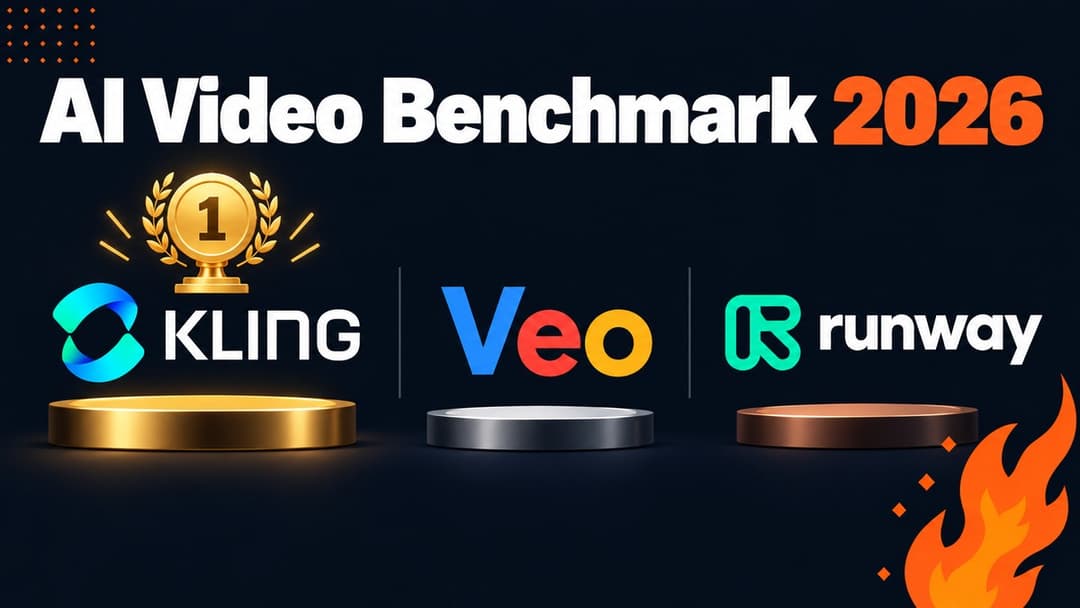
AI Video Generator Benchmark 2026: 1,394 Blind Votes Reveal the Real Winner
AI video generator benchmark 2026: explore 1,394 blind votes, Kling's winning score, real plan costs, and the best tool for your workflow.